

Gravata, GDPR-compliant AI meeting notes
The call ends. The meeting notes are already in everyone’s inbox.
Recording, transcription and a summary with decisions and owners, on Zoom, Google Meet and Teams. GDPR-compliant by default: every recorded meeting announces itself, and retention is the period your firm sets.
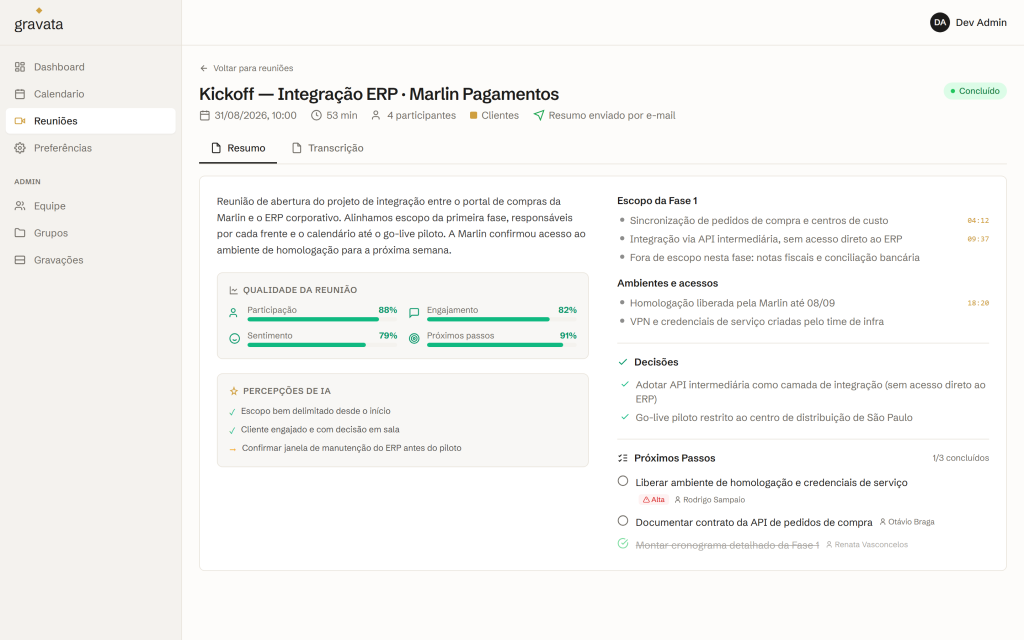
Compliance is not a setting someone has to find.
The recording notice is on by default.
Every recorded meeting announces itself to the people in it. You write the wording. Here is what an English-speaking room hears:
“This meeting is being recorded and transcribed by Gravata, at the request of the organizer.”
Turning it off is an explicit admin decision.
Retention is configurable per group.
Recordings expire automatically, on the schedule your firm sets.
From the call to the inbox, with nobody typing a word.
- Recording, with a notice to the participants. Nobody is recorded without knowing.
- Transcription with speaker identification. Who said what, not a wall of text.
- A summary with decisions and action items, each one with an owner.
- Sent to the participants by email. Nobody has to ask for the notes.
It captures the meeting chat too.
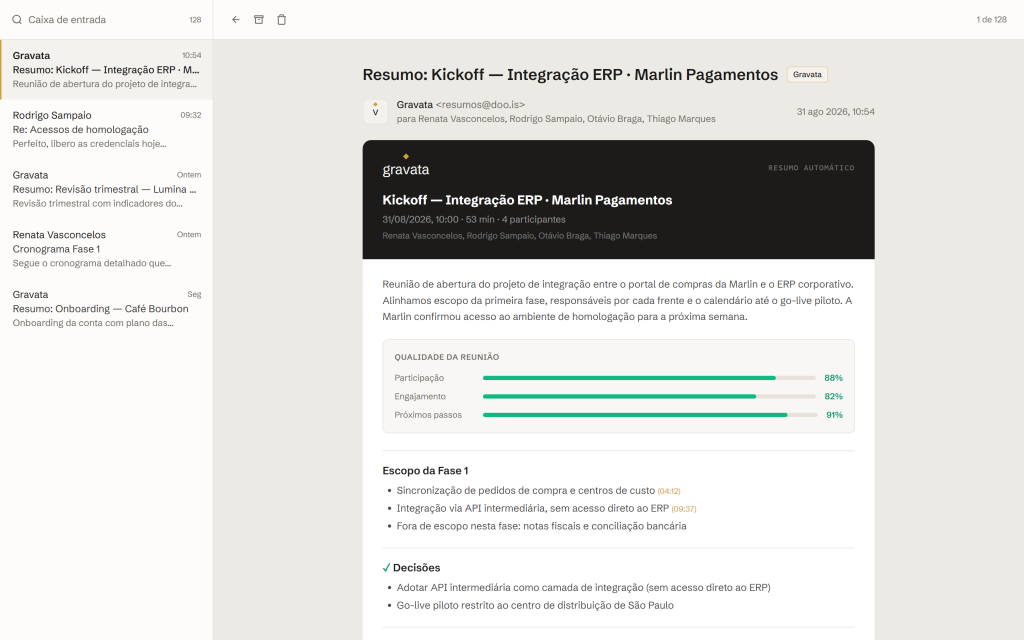
Every meeting comes back filed under the right client.
Google Calendar integration: meetings show up, get recorded, and come back organized by group and by client.
The whole history stays searchable. Filter it by team, organizer, period and status.
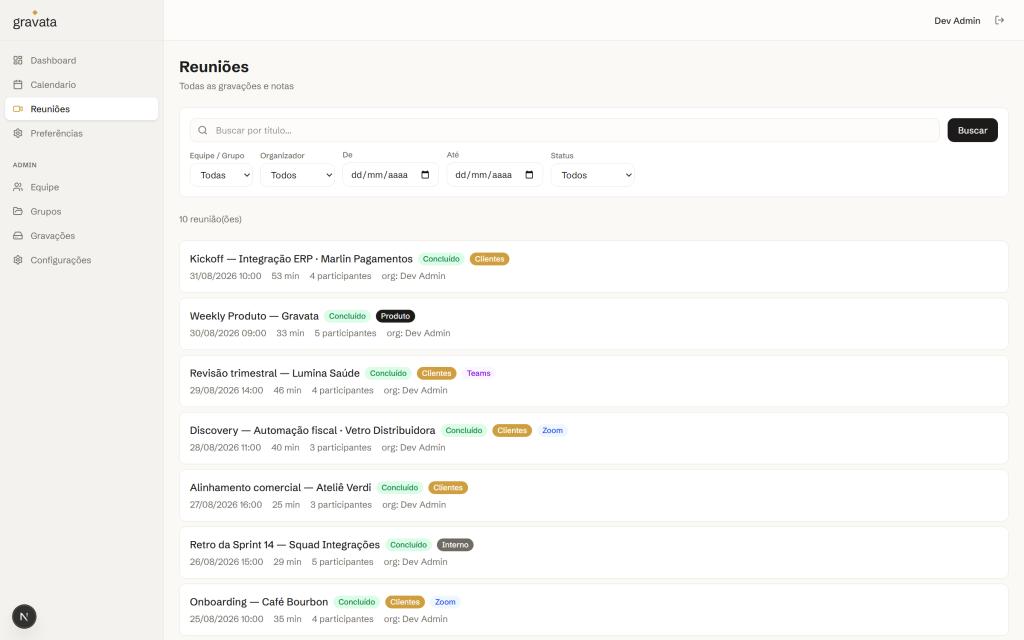
How your meeting notes get written.
Connect the calendar once. Google Calendar meetings start showing up on their own.
Gravata joins as a visible participant, the recording announces itself, and the transcript notes who said what.
The summary with decisions and owners arrives by email, and the recording expires on the schedule your firm set.


See Gravata in your firm.
In the European Union. Recordings are stored and processed in the EU, encrypted in transit and at rest, with access restricted to your firm. They expire on the schedule your firm sets.
For the period your firm sets. Retention is configurable per group, and recordings expire automatically.
You control it per group. A group can stay open to everyone in your firm, or be restricted to its own members, or be restricted to the people on the meeting invite, so a 1:1 stays with the two people who were in it. The organizer also gets the meeting insights. We set this up with you.
Yes. We have a standard data processing agreement and we sign it with every client. It covers processing, subprocessors and retention.
Recall.ai runs the meeting bot that joins the call and captures audio and video. Cloudflare stores the recordings. OpenAI handles transcription and summarization. Brevo delivers the summary email. Each one is named in the DPA.
No. Never. Your recordings, transcripts and summaries aren’t used to train AI models. Not by Doois, and not by the services that process the data.
Most of it happens on its own: retention is configurable and recordings expire automatically on the schedule your firm sets. A meeting can be marked to keep permanently, access is controlled per group, and anything can be deleted on request. Those are the mechanics behind an Article 15 access request and an Article 17 erasure request.
Gravata announces the recording in the room, and it’s on by default. You write the wording. An English-speaking firm’s notice reads something like: “This meeting is being recorded and transcribed by Gravata, at the request of the organizer.” Turning it off is an explicit admin decision.
Yes. Gravata joins the call as a visible participant, and recording is never a hidden process. That visibility is how the notice reaches the room: everyone can see the meeting is being recorded, which is the transparency the GDPR is built on.
Then the meeting isn’t recorded. Gravata is removed from the call, and with no recording there’s no transcript and no summary.
We can’t give you legal advice. What we can tell you is what the product does: every recording announces itself, the bot is visible in the room, a participant who objects means the meeting isn’t recorded, and retention is bounded by the period your firm sets.
Yes. Zoom, Google Meet and Microsoft Teams.
As long as it takes to connect the calendar. Google Calendar is the initial setup. After that, meetings show up on their own and come back summarized by email.
We go through it in the demo: 15 minutes, and you leave with a price for your firm.